


Non-disruptive multifactor authentication
Remove barriers to access across your organization while supporting remote access, critical workflows, and industry regulations.


Enterprise Access Management (EAM) capabilities

Integrate with M365 and leading VPNs

Integrate with Microsoft conditional access

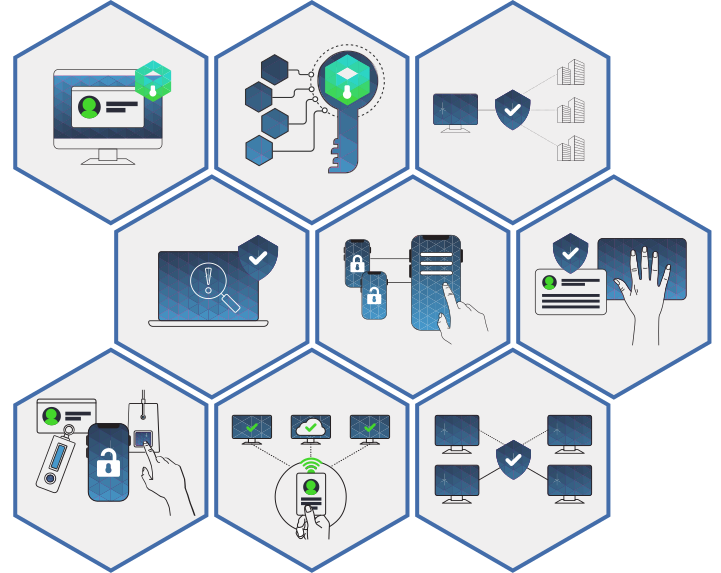
Phone as a token, fingerprint, hands-free, and facial recognition

Mobile device prescribing, DEA identity proofing, access control, MFA, and auditing

API integration with leading EHRs, including Epic, for fast authentication

Fast, easy access to external medical devices
Make security invisible with Enterprise Access Management







How Enterprise Access Management with MFA works
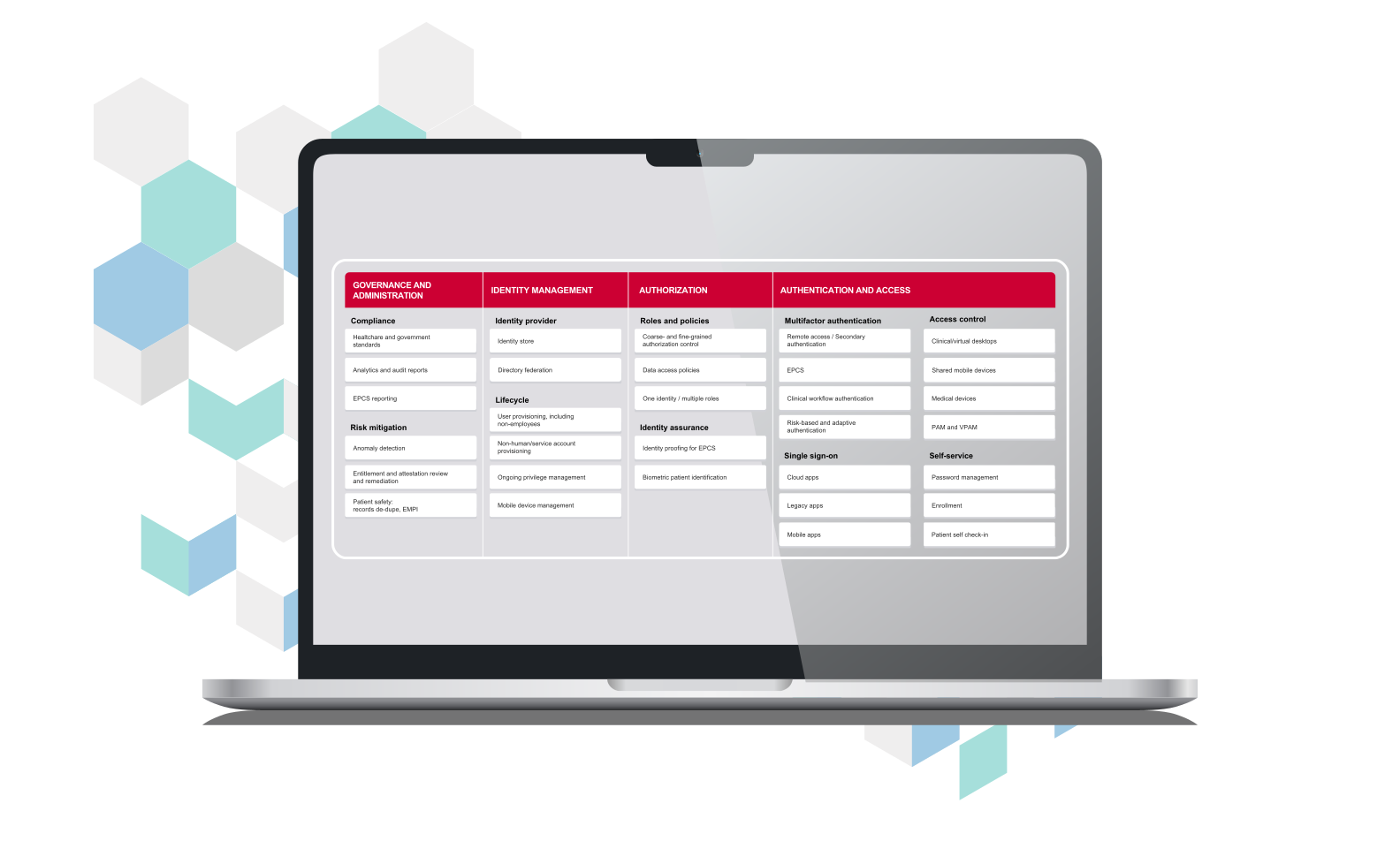
Digital identity framework
Learn about the capabilities you need to develop a comprehensive identity and access management strategy that accelerates productivity, improves security, and puts privacy first.
Platform integrations
Explore how Enterprise Access Management with MFA works with other Imprivata products and services to simplify the user experience, drive IT operational efficiency, and accelerate time to value.
Enterprise management services
Access a full-scale team of engineers, architects, and managers that are accountable for proactive delivery and ensuring the continuity and resiliency of your EAM solution.

